Your world.Now showing.
Live TV. Movie nights. One more episode.
Bring your playlist to a player that makes
every screen feel like the best seat.
Scan to install
 Android
 iPhone & iPad
Apple TV · Available on the App Store
Every screen. A leading role.
Xtiva is available on Android phones and tablets, Android TV, Google TV, iPhone, iPad, Mac and Apple TV. Layouts and features vary by platform.
Your source.
Your way.
Connect your provider, open a video link, or bring a .xtiva file from another device.
Xtream Codes
Connect with your provider’s server address, username and password.
Server · Username · PasswordM3U playlists
Add your M3U or M3U8 playlist link and bring your channels into Xtiva.
M3U / M3U8Direct video URLs
Have a direct link to a video? Open it in Xtiva and start watching.
Direct video linkFrom another Xtiva
Import a .xtiva file exported from Xtiva on another device.
Export → Transfer → Import
Everything in a better place.
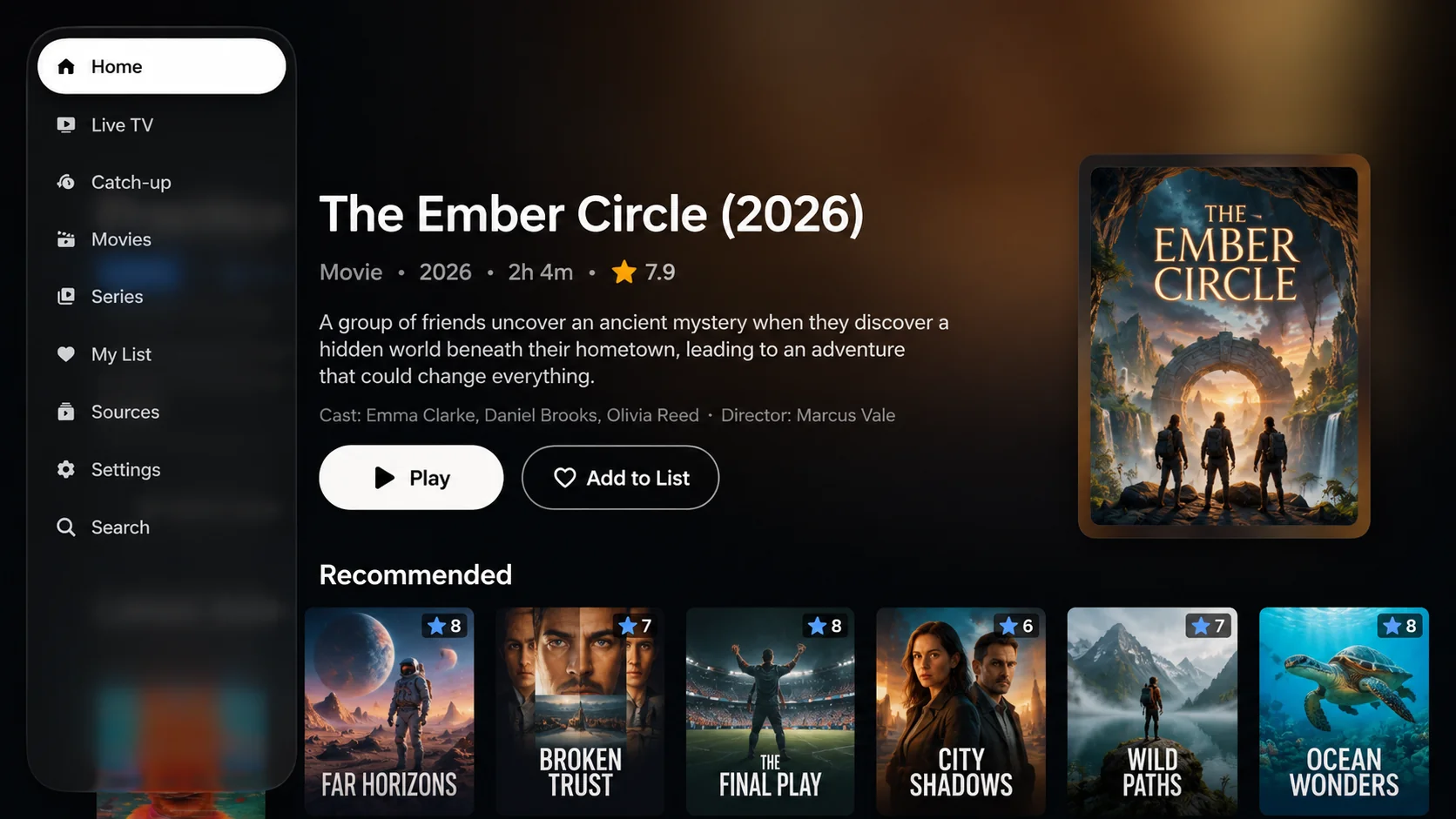
Live TV. A little more live.
Browse channels with a programme guide beside them. See what’s on now, save your favourites, and switch channels without leaving playback.
A library worth getting lost in.
Movies and series, organised into genre shelves with posters and ratings. Search across your playlist and find your next watch.
Playback that fits your plans.
Switch between two playback engines when a stream needs it. Pick up where you left off, or keep watching in Picture-in-Picture on supported devices.
See the player in motion
A one-minute look inside Xtiva.
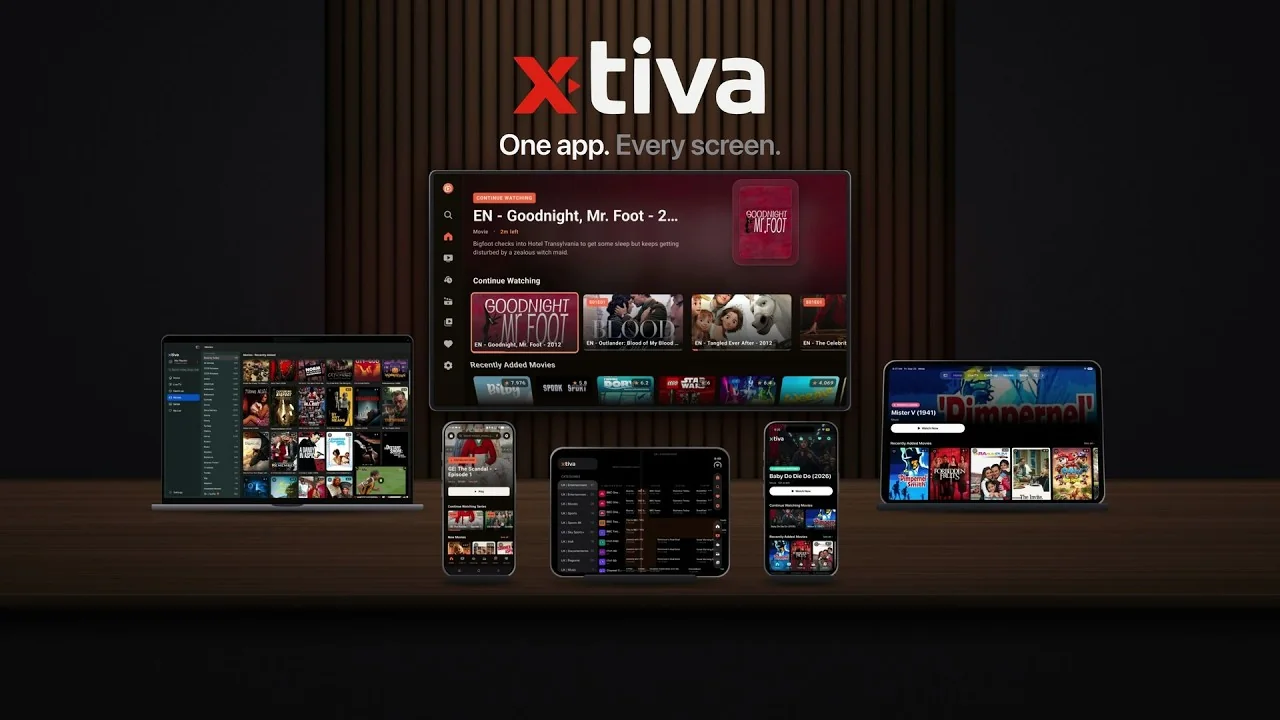
Small screen. Big screen. Yours.
Install Xtiva.
Choose your device below. No Xtiva account is needed.
Add your playlist.
Use your provider’s Xtream Codes details or an M3U URL.
Press play.
Let your library load, then choose a channel, movie or series.
Mac requires Apple silicon and macOS 14 or later. iPhone and iPad require iOS or iPadOS 17 or later.
Your player. Your choice.
Start with the free player. Pro is an optional in-app upgrade for an ad-free experience, subtitles, unlimited bookmarks, parental controls and automatic guide updates. Features and prices vary by platform.
Before you press play.
Does Xtiva come with channels?
No. It is a player and nothing else — it ships completely empty. You connect the IPTV service you already subscribe to, using Xtream Codes credentials or an M3U playlist link. We neither supply nor sell content.
Is it really free?
Yes. Downloading and using the player costs nothing and there is no account to create. Pro is an optional in-app upgrade that removes ads and adds subtitles, unlimited bookmarks, parental control and automatic EPG updates.
Which devices are supported?
Xtiva is available on Android phones and tablets, Android TV, Google TV, iPhone, iPad, Mac and Apple TV. The TV layout is built for a remote. Mac requires macOS 14 or later and Apple silicon (M1 or later).
A channel will not play. What now?
Try the other playback engine in settings: ExoPlayer and VLC on Android, or AVPlayer and VLC on iPhone and iPad. Also check your connection and whether the same stream works with your provider.
Can I use more than one playlist?
Yes. Add several Xtream Codes accounts or M3U playlists and switch between them inside the app.
Where should I download Xtiva?
Use the direct store links on this page. Android, Android TV and Google TV download from Google Play; iPhone, iPad, Mac and Apple TV download from the App Store.